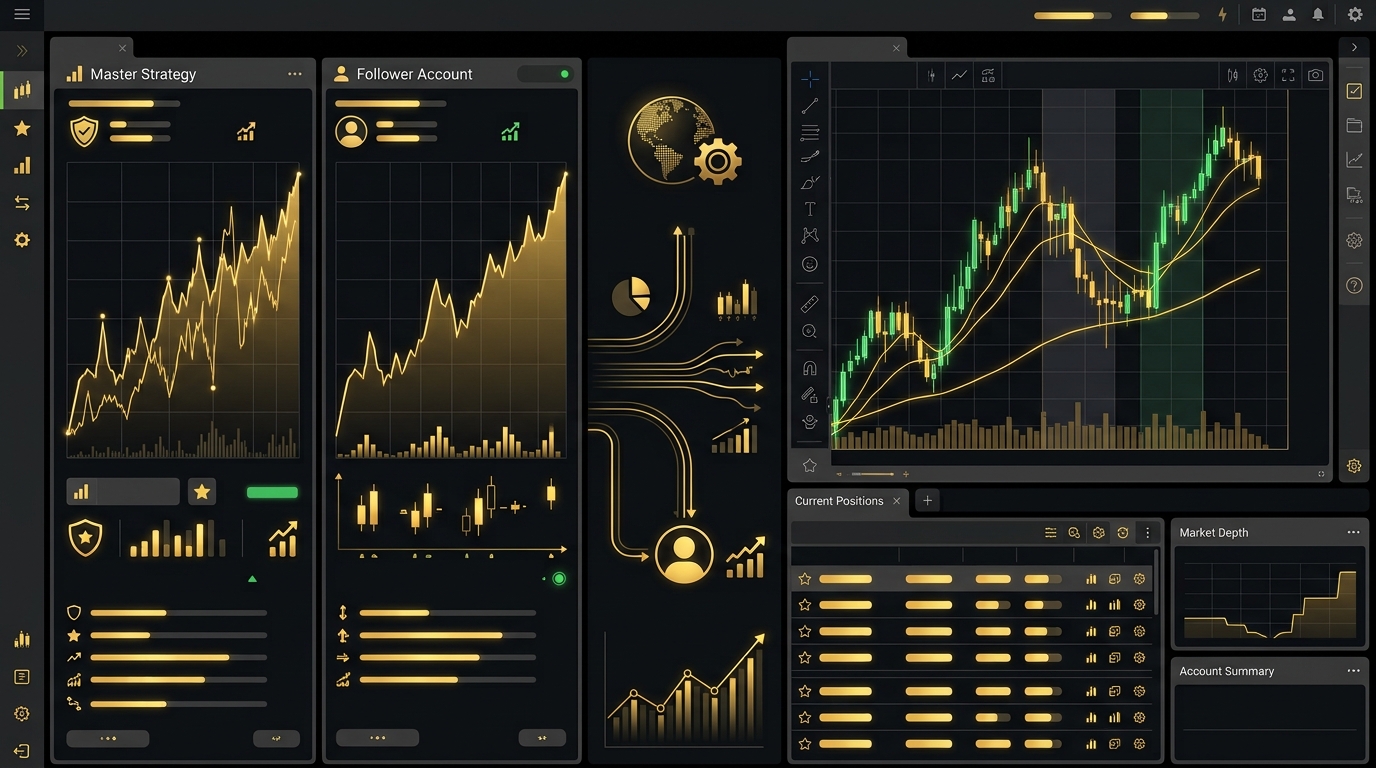
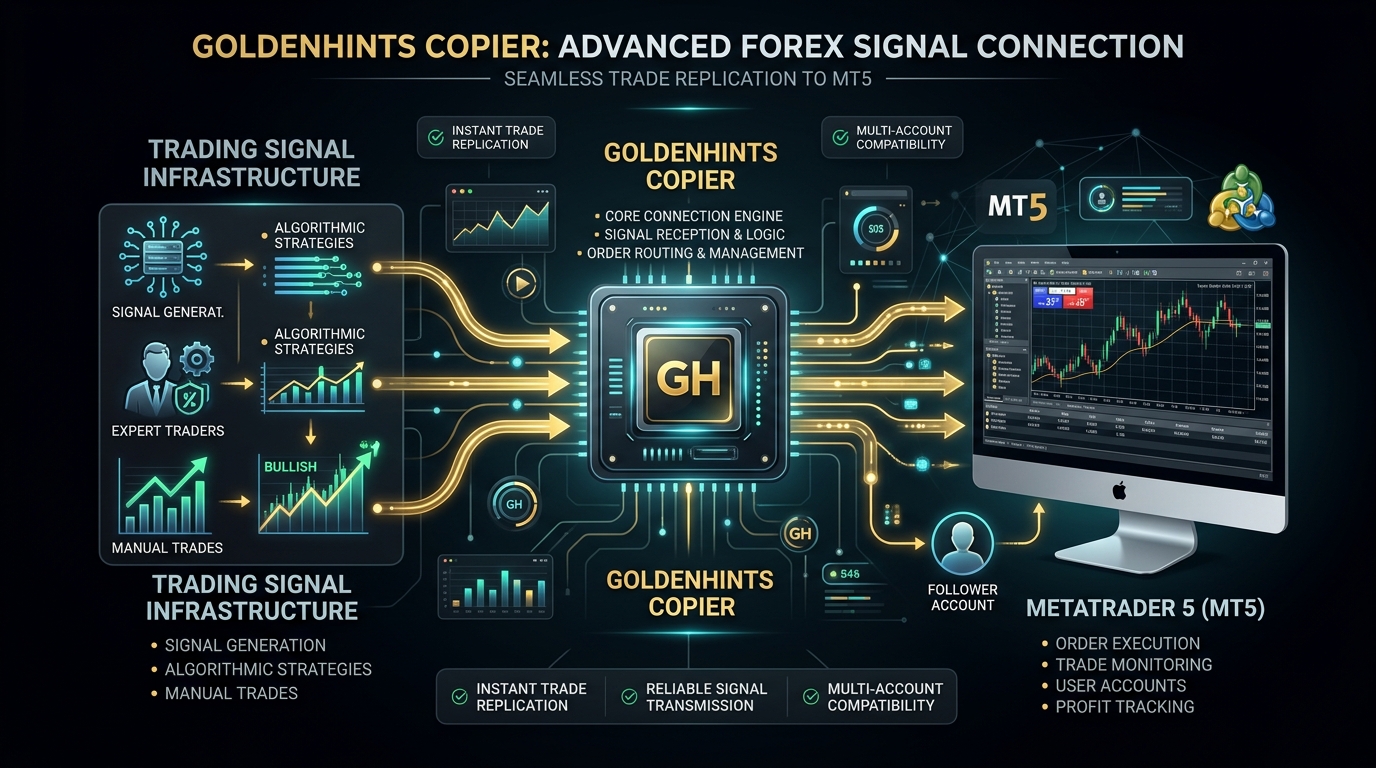
After installing GoldenHints Copier, the next step is configuring the connection between the EA and your MetaTrader 5 trading environment. In this article, we’ll walk you through how to Connect GoldenHints Copier effectively.
GoldenHints Copier is designed to receive supported trading information from the Golden Hints infrastructure and process it through your MT5 terminal. When you connect the GoldenHints Copier to your trading setup, these features work seamlessly together.
Why the Connection Matters
Automated trade copying requires several components to communicate correctly. To achieve this, be sure to connect your system with GoldenHints Copier for reliable operation.
The basic process is:
Signal Source → Golden Hints Infrastructure → GoldenHints Copier → MetaTrader 5 → Broker
The EA operates inside your MetaTrader 5 terminal and uses the trading permissions available to that account after you connect the GoldenHints Copier appropriately.
Step 1: Log Into MT5
Open MetaTrader 5 and log into the account where you want to use the Copier. Then, to start, connect GoldenHints Copier with your chosen account.
Confirm that your account is connected to your broker as well as to GoldenHints Copier if prompted.
Step 2: Attach GoldenHints Copier
Open the appropriate trading chart and attach the Expert Advisor, making sure you properly connect GoldenHints Copier during this process.
Once attached, the EA will display its configuration and connection information, confirming that Connect GoldenHints Copier was performed successfully.
Step 3: Allow Automated Trading
Enable:
Algo Trading
Also check the EA properties and make sure automated trading permissions are enabled, especially important after you connect GoldenHints Copier to your terminal.
Step 4: Configure the Trading Mode
Choose the position-sizing method that matches your risk plan after you connect the GoldenHints Copier to your trading account.
For example:
Fixed Lot
The EA uses a predefined trading volume.
Risk Percentage
The position size is calculated according to the configured risk percentage and trade parameters when GoldenHints Copier is connected.
Fixed Dollar Risk
The position size is calculated based on a predefined monetary risk, as set up when you connect GoldenHints Copier and choose your settings.
Step 5: Verify the Connection
The EA panel should provide information about its current status. Connecting GoldenHints Copier successfully ensures this panel shows accurate data.
Before trading live, verify that:
- The EA is active and you have connected GoldenHints Copier correctly
- Algo Trading is enabled
- The account is connected
- The required symbol is available
- Your risk settings are correct
Demo Testing
Before using a live account, perform a complete Demo test so you can assess how well Connect GoldenHints Copier features work in your environment.
A good test should include a new position, Stop Loss, multiple Take Profit levels, partial closing, Break Even and Trailing Stop when supported after you connect GoldenHints Copier.
Conclusion
A properly configured connection is essential for reliable automated trading. To sum up, always remember to connect GoldenHints Copier carefully to your MT5 terminal to ensure optimal results.
Always monitor the first few trades carefully and keep your MT5 terminal running with a stable internet connection after you connect GoldenHints Copier to the system.
Risk Warning: Automated trading does not eliminate market risk. Execution can vary because of spreads, slippage, liquidity, broker conditions and connectivity.
Ready to Automate Your MT5 Trading?
Discover GoldenHints Copier and explore automated trade execution, flexible risk management and advanced trade-management features once you connect to GoldenHints Copier yourself.
Learn More About GoldenHints Copier