
cTrader Copy Trading Guide for Beginners
What Is cTrader Copy Trading?
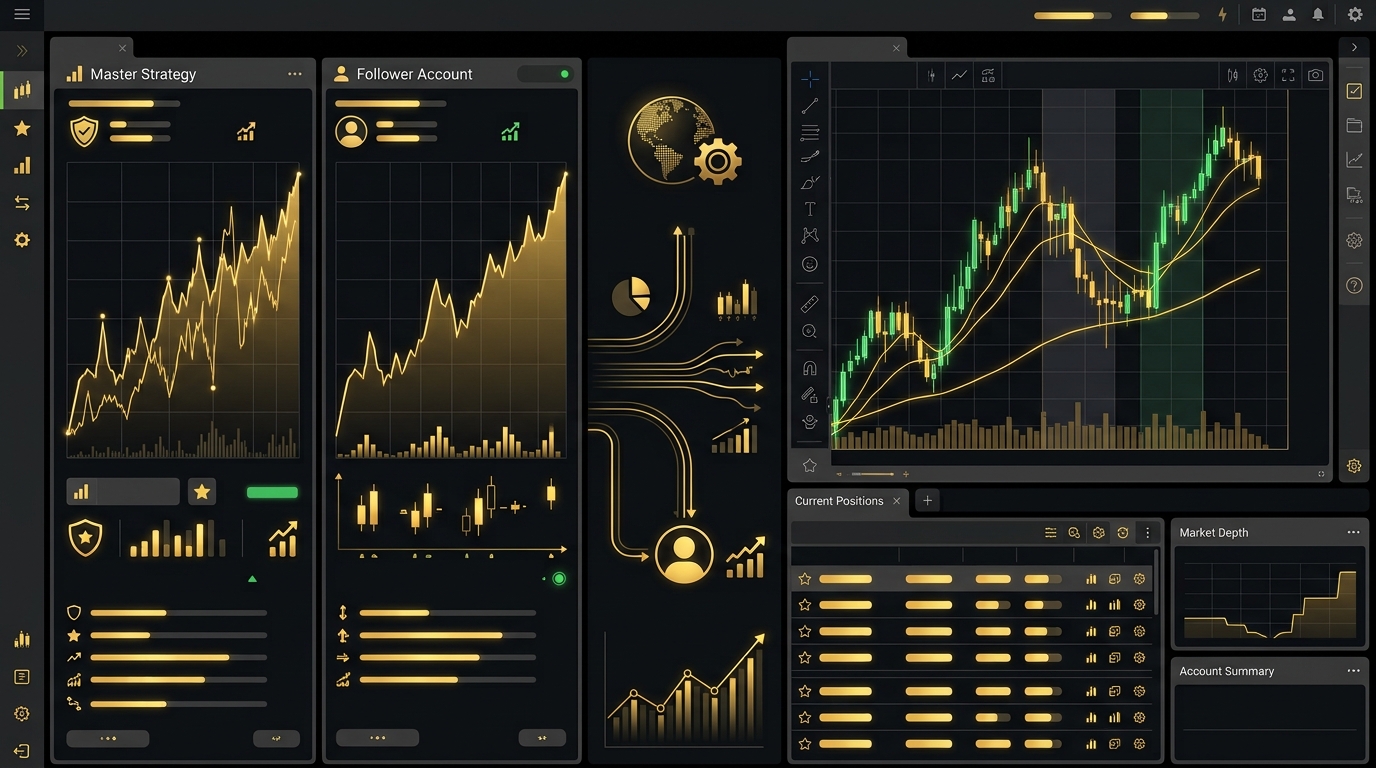
cTrader copy trading allows traders to follow selected trading strategies and automatically replicate their positions in a connected account.
The process is designed to make strategy replication easier without requiring the user to manually place every trade.
How to Start cTrader Copy Trading
The first step is to have a supported cTrader account. Users can then access the copy trading section and review available strategies.
Review Strategy Information
Before selecting a strategy, traders should review available performance information, risk levels, drawdown, trading history, and other relevant details.
Select the Strategy
After choosing a suitable strategy, the user can start copying and allocate an appropriate amount of capital.
Risk Management
Copy trading does not remove market risk. A strategy can experience losing trades and drawdowns even if its historical performance has been strong.
Users should therefore avoid allocating money they cannot afford to lose and should understand the strategy’s risk profile.
Why Use cTrader for Copy Trading?
cTrader provides an environment designed for trading and strategy replication. Its copy trading functionality allows users to follow strategies while maintaining control over their own account allocation.
Final Thoughts
cTrader copy trading can be a convenient option for traders who want automated strategy replication. Understanding the platform, strategy performance, and risk management settings is essential before starting.